

In today’s broadcasting environment, radio stations often need to connect with presenters who aren’t physically present in the studio. Remote Studio addresses this challenge head-on, offering a web-based solution that enables presenters to participate fully in broadcasts from any location.
Remote Studio has enabled many stations to bring back presenters who had relocated to different towns or cities, with listeners unable to tell any difference in broadcast quality.
By allowing presenters to transmit their microphone audio through a standard web browser whilst simultaneously receiving the PlayIt Live studio feed in real time, Remote Studio creates a virtual studio experience that closely mimics being in the actual broadcast space. This web-based clone of the PlayIt Live interface eliminates geographical barriers, making remote broadcasting straightforward and reliable for stations of all sizes.
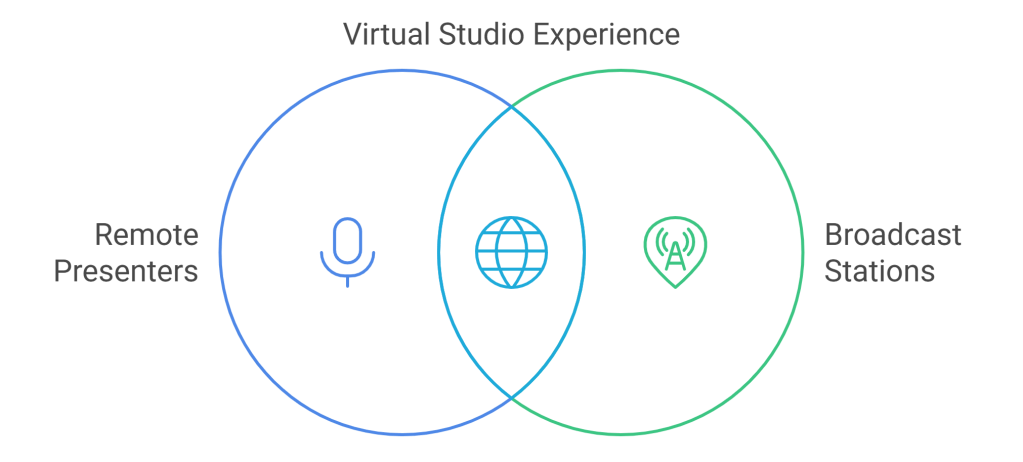
How Remote Studio Works
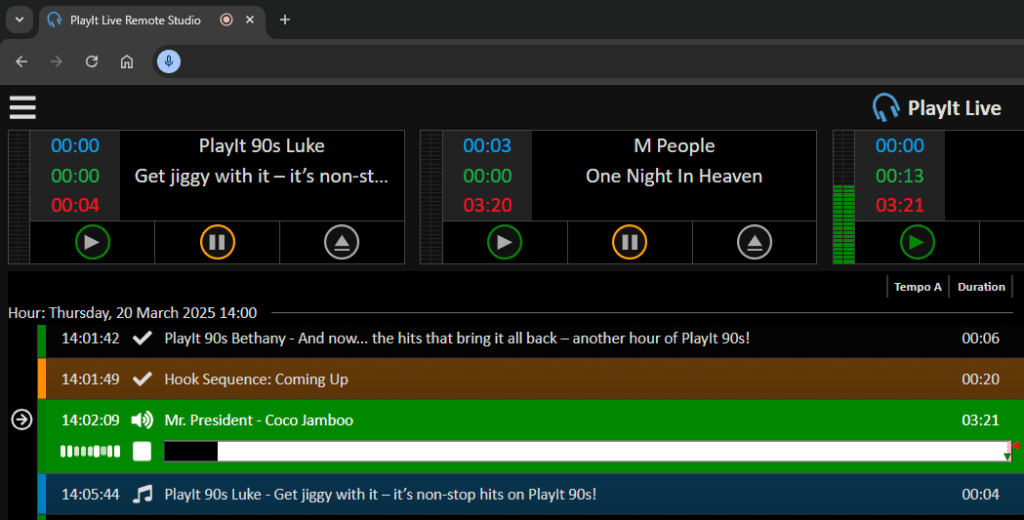
Remote Studio brings the studio to presenters wherever they may be by creating a web-based environment that mirrors the PlayIt Live experience. The connection process is straightforward:
- Presenters access a secure URL provided by their station
- Grant microphone permissions to their browser
- Are immediately connected to the studio environment
Through WebRTC technology, their microphone audio is transmitted to the studio whilst they simultaneously receive the studio output through their headphones. This two-way communication happens with remarkably low latency (typically under 50ms), allowing presenters to converse naturally and easily talk up the intro of songs without delay.
Collaboration features make Remote Studio particularly valuable for team broadcasting. Multiple remote presenters can connect concurrently, hearing each other in real-time and using the built-in talkback function for off-air communication. This creates radio shows that sound cohesive regardless of presenter locations. Listeners won’t know if your team is in the same studio or spread across different cities.
Key Features and Benefits
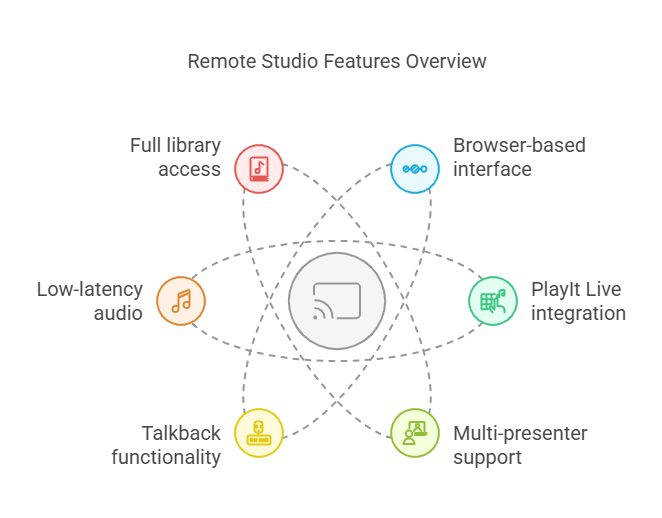
Remote Studio delivers a comprehensive set of features designed to make remote broadcasting straightforward and effective.
Key Features:
- Browser-based interface: No software installation required
- PlayIt Live integration: Familiar controls for existing users
- Multi-presenter support: Team broadcasting from multiple locations
- Talkback functionality: Off-air communication between presenters
- Low-latency audio: Smooth, natural interactions
- Full library access: Complete control of music and content
The platform’s self-contained nature eliminates the typical complications of remote broadcasting:
- No separate remote desktop applications needed
- No complex audio routing configuration
- No juggling between multiple software solutions
This integrated approach makes remote broadcasting accessible even to stations with limited technical resources or staff.
Technical Requirements & Compatibility
Minimum Requirements:
- Internet connection: 2 Mbps upload/download (5+ Mbps recommended)
- Supported browsers: Chrome, Edge, Opera, Brave and other Chromium-based browsers (latest versions)
- Audio: Any line-in or USB microphone (USB condenser mic recommended)
Platform Compatibility: Remote Studio is designed exclusively for desktop computers.
Technical Performance
Remote Studio makes successful remote radio broadcasting achievable for stations of all sizes. The platform performs well across different internet connections, with standard broadband services generally providing sufficient capacity for broadcasting needs.
Presenters typically experience excellent responsiveness through Remote Studio, allowing them to deliver quality broadcasts from remote locations.
Many programme directors report that listeners cannot distinguish between in-studio hosts and those broadcasting from remote locations through Remote Studio.
Advantages Over Alternative Solutions
Remote Studio advantages:
- Simplified setup: Get up and running in minutes instead of spending time configuring multiple applications
- Single application: Everything needed in one interface versus juggling 2-3 separate programmes
- Built-in talkback: Native communication capability without additional configuration
- Streamlined audio routing: No complex audio path setup required
- Reduced technical support needs: Fewer complications mean fewer support requests
Stations that have transitioned from combination solutions, such as Cleanfeed + TeamViewer, to Remote Studio consistently report reduced technical support requirements, faster onboarding for new remote presenters, and significantly higher presenter satisfaction.

Future Enhancements
The future possibilities for Remote Studio include potentially expanding its capabilities to include guest management. This enhancement would allow stations to bring interview subjects, special guests, and community contributors into broadcasts without requiring them to understand the complexities of radio playout systems.
With such expanded functionality would come important security considerations that would need careful thought. The central concern would be ensuring that public guests cannot gain inappropriate access to the playout system. A potential solution might involve creating an isolated guest interface with carefully limited permissions, providing only the audio connection and communication tools needed for participation. This approach would maintain the integrity of broadcasting infrastructure whilst still offering a straightforward experience for guests.
To Wrap Up
Remote Studio effectively addresses the challenge of integrating remote presenters into live broadcasts. By combining the necessary tools into a single web-based interface, it removes the technical hurdles that have traditionally made remote broadcasting difficult.
Ready to transform your station’s remote broadcasting capabilities?
Download PlayIt Live today and start broadcasting from remote locations with ease.
 The Heart of Radio Tech
Leave a comment